How to Apply for a Free Government iPhone (2026)
The complete step-by-step walkthrough: National Verifier approval, provider enrollment, and your phone in the mail — most people finish in under 30 minutes.
Quick answer: how do I apply?
Seven steps: (1) confirm you’re eligible, (2) gather three documents, (3) apply at the National Verifier (nv.fcc.gov), (4) get approved (often same-day), (5) choose a Lifeline provider, (6) enroll with them using your approval, (7) receive your phone by mail. Use the interactive checklist below to track your progress.
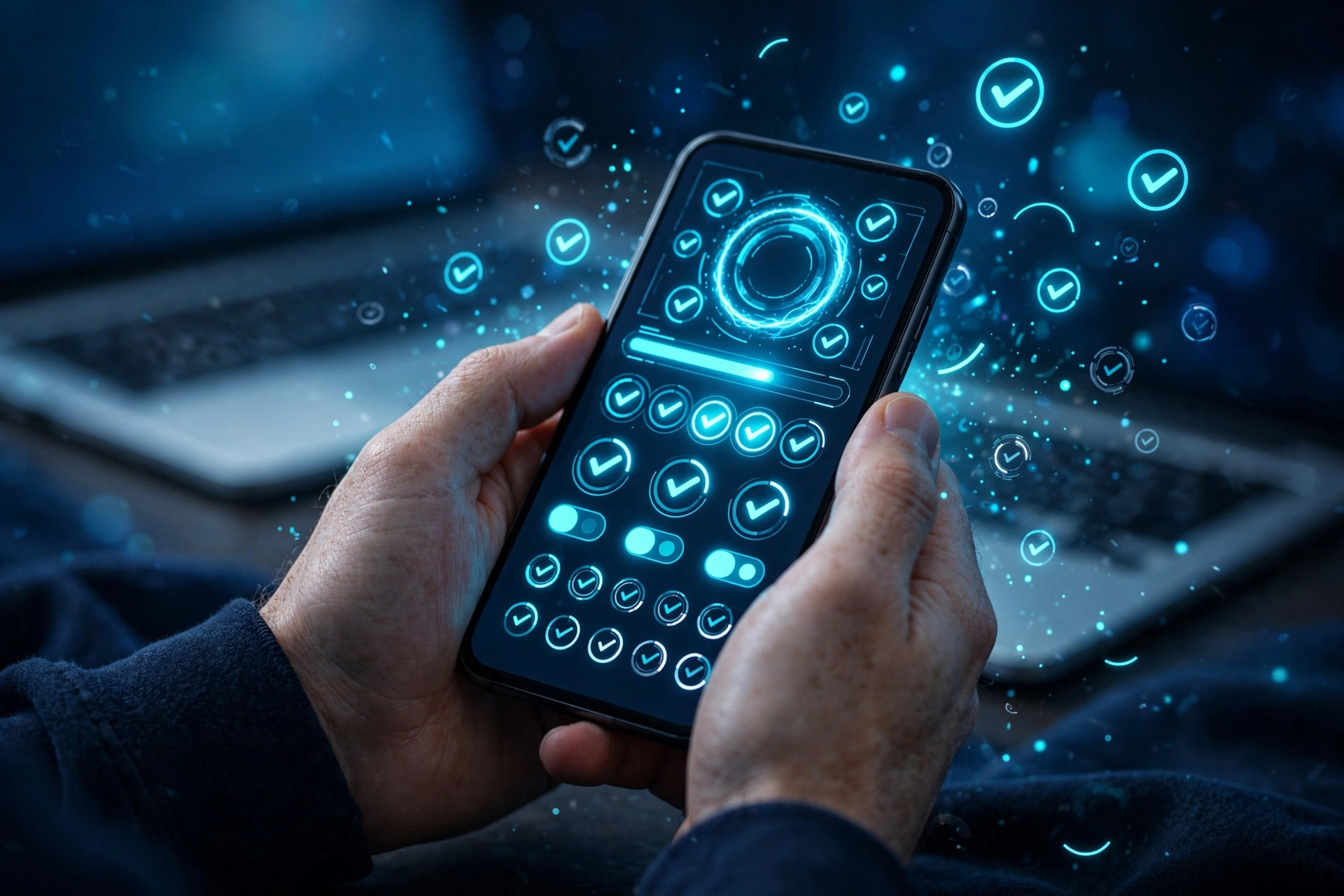
Your Application Checklist
Tap each step as you complete it — your progress is saved in this browser, so you can come back anytime.
Track my application
Seven steps from zero to a free iPhone in your hands.
- ✓Confirm I’m eligibleProgram path or 135% income rule — run our checker if unsure.
- ✓Gather my 3 documentsPhoto ID, eligibility proof (benefit letter or pay stubs), and proof of address.
- ✓Apply at the National VerifierGo to nv.fcc.gov, create an account, and submit your details.
- ✓Get approvedOften automatic within minutes; manual review can take a few days.
- ✓Choose my providerCompare device offers in your ZIP — see our matrix.
- ✓Enroll with the providerSign up on their site using your Verifier approval. Confirm the exact phone model.
- ✓Receive my phoneShips by mail in roughly 7–10 business days. Activate and enjoy free service.
Each Step, Explained
Exactly what to do, what to expect, and the mistakes to avoid at each stage.
Confirm you’re eligible
You need one of two things: a qualifying program (SNAP, Medicaid, SSI, public housing, Veterans Pension, Tribal assistance) or household income at/below 135% of the 2026 poverty guidelines. Run the full checker — 60 seconds.
Gather your documents
Photo ID, eligibility proof (benefit award letter or tax return / three months of pay stubs), and proof of address. Take clear, well-lit phone photos — blurry documents are a top denial reason. Make sure the address matches on everything.
Apply at the National Verifier
Go to nv.fcc.gov — the official FCC-run portal — and create an account. Enter your details honestly and upload your documents. Never pay anyone to do this for you; the Verifier is free and any site charging a fee is a scam.
Get approved
If your details match government records, approval can be automatic — within minutes. Otherwise it goes to manual review, typically a few days. You’ll get an email or letter with your decision. If denied, the notice tells you why — most reasons are fixable (see our denial guide).
Choose your provider
With approval in hand, pick a Lifeline provider serving your area. This is where the free phone comes from — providers bundle a device with the service. Compare providers and confirm the exact phone model for your ZIP code before committing.
Enroll with the provider
Sign up on the provider’s website using your National Verifier approval (usually your application ID or approval code). Pick your plan and confirm the device. There should be zero cost — no shipping fees, no deposits.
Receive and activate your phone
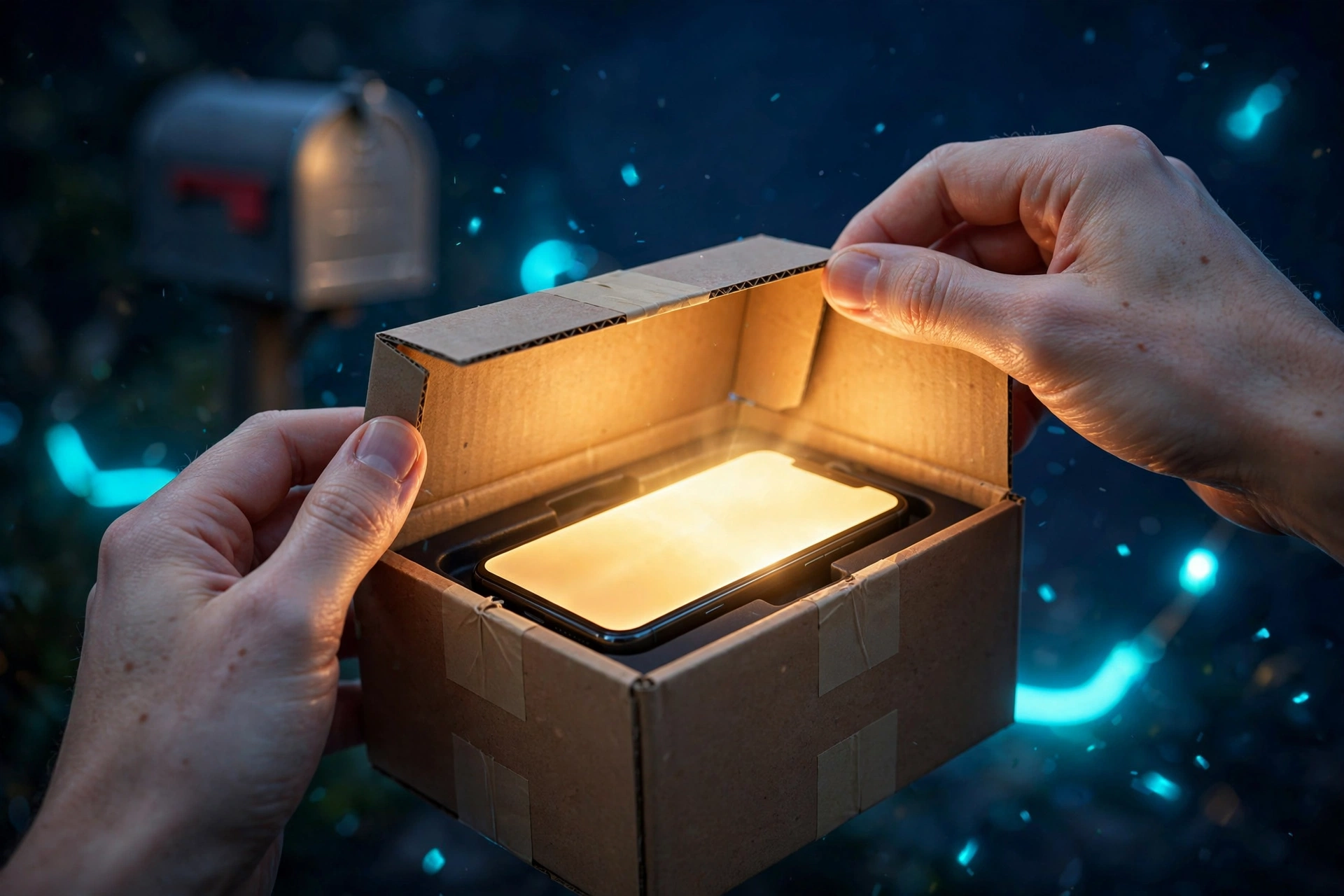
The phone ships to your address — typically 7–10 business days. Follow the activation instructions in the box (usually inserting the SIM and making a first call). Your free monthly service starts on activation.
Typical Application Timeline
From first click to phone in hand — most people finish the paperwork in one sitting.
Troubleshooting Common Problems
🚫 Verifier denied me
Read the denial reason carefully. Address mismatches, blurry documents, and expired benefit letters cause most rejections — all fixable. Fix the issue and reapply; there’s no penalty.
⏳ Approval is stuck
Manual reviews take a few days. If it’s been over a week, contact USAC support through lifelinesupport.org to check your application status.
📦 Wrong phone arrived
Contact the provider immediately with your enrollment confirmation screenshot. You can also transfer your Lifeline benefit to a different provider if they won’t fix it.
Application FAQs
Checked against FCC and USAC sources, October 2026.
Why trust this walkthrough?
Written by the Wireless Free iPhone editorial team · Last reviewed October 2026 · Steps verified against the National Verifier and USAC. Independent guide — not a government agency. Read our editorial policy and disclaimer.
Ready to Start Your Application?
Check your eligibility first, then head to the National Verifier with confidence.